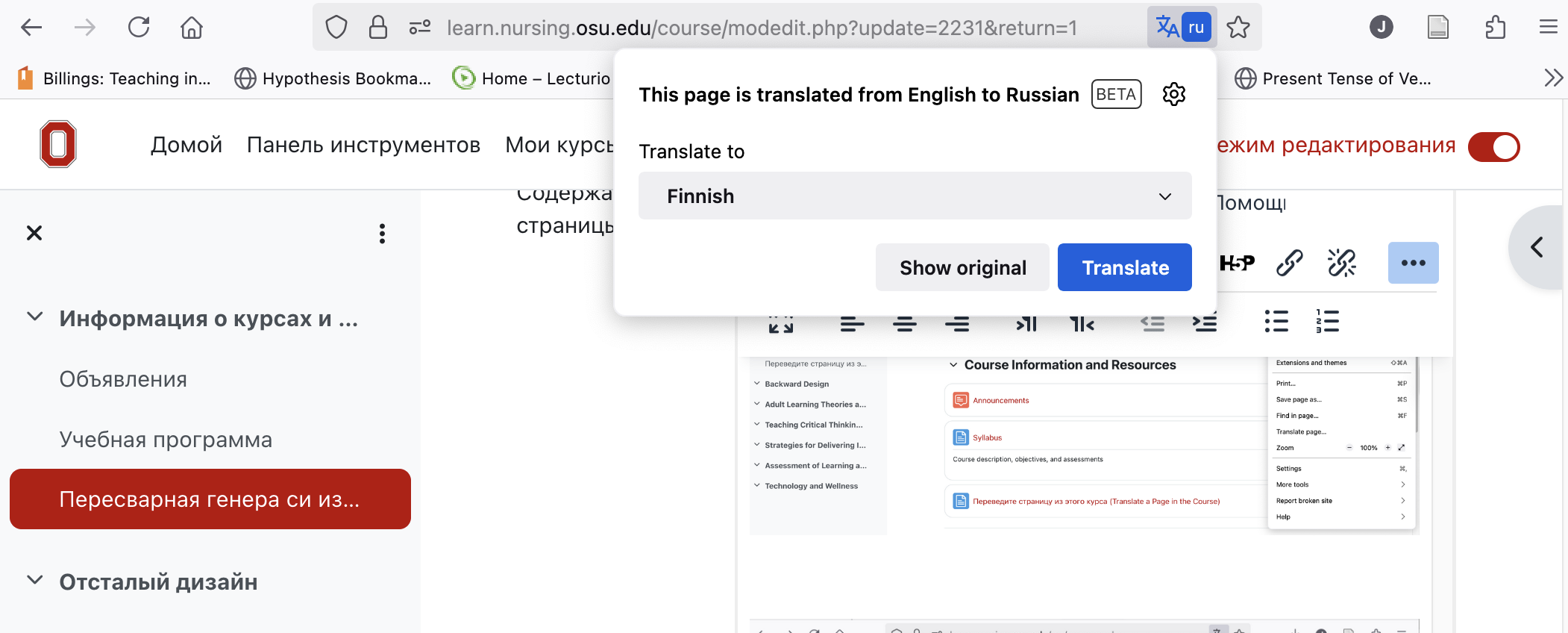
Переведите страницу из этого курса (Translate a Page in the Course)
Инструкции по изменению языка на странице (Instructions to change languages on a page)
Вы хотите перевести страницу из этого курса на другой язык? Найдите языковые инструменты в вашем браузере. Следующие скриншоты относятся к Firefox.
(Do you want to translate a page in this course to a different language? Search for language tools in your browser. The following screenshot apply to Firefox.)
First, install the language pack for the language you prefer in Firefox.
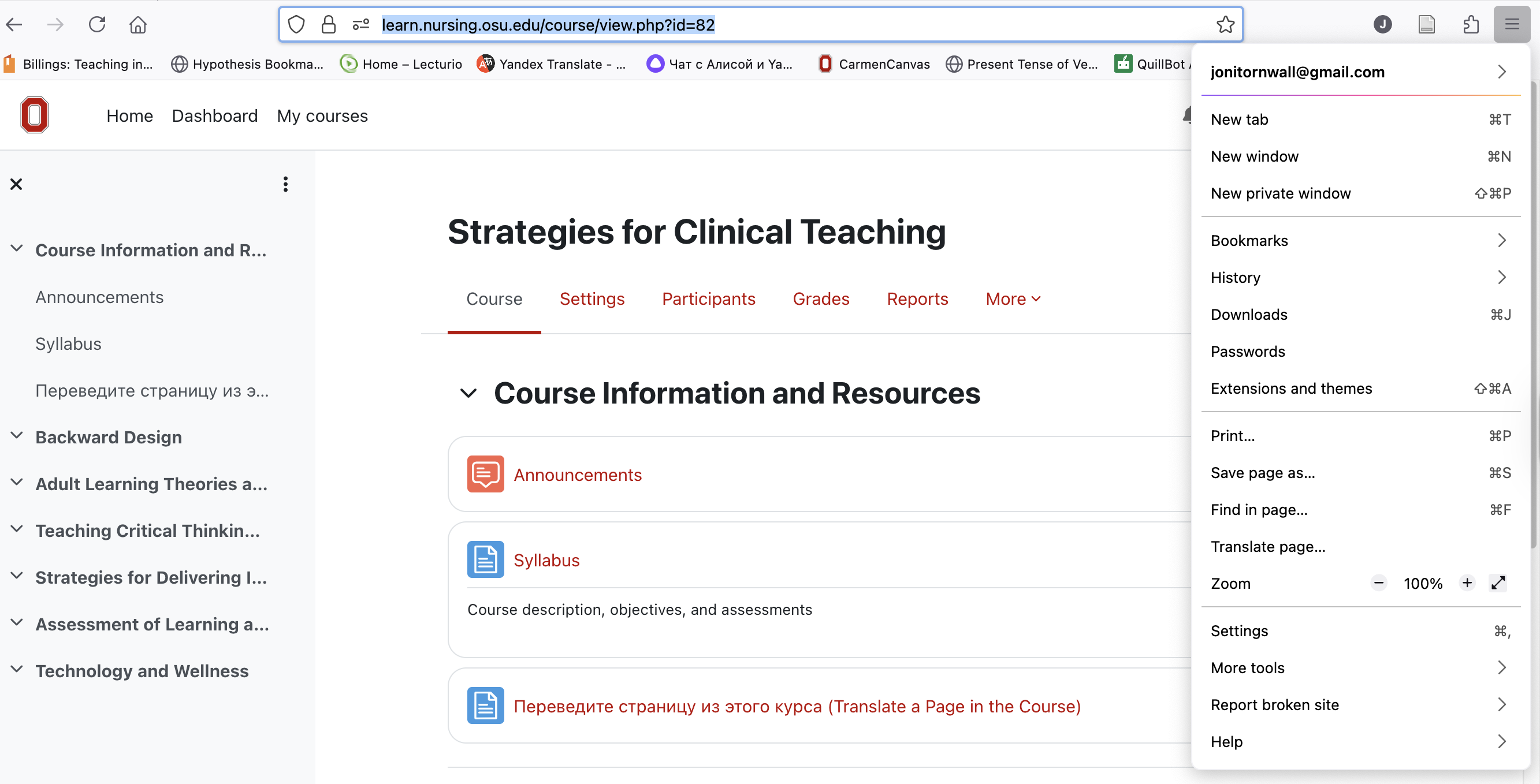
Second, click on the "hamburger" icon (three horizontal lines) in the upper right corner of the Firefox browser window). Select "Translate page" from the list. Choose your language.
Next, return to the original language, or choose another language from the icon in your browser's address bar.